Centennial, Colorado · Independent service since 2009
Copier Repair That Gets Your Office Printing Again Today
Austintero Co. repairs, maintains and services copiers and multifunction printers for businesses across Centennial, Arapahoe County and the Denver metro. All major brands. No lease required.
- Same-day dispatch in the south metro
- Canon, Ricoh, Xerox, Sharp, Kyocera, Konica Minolta & more
- Flat diagnostic pricing — parts quoted before work begins
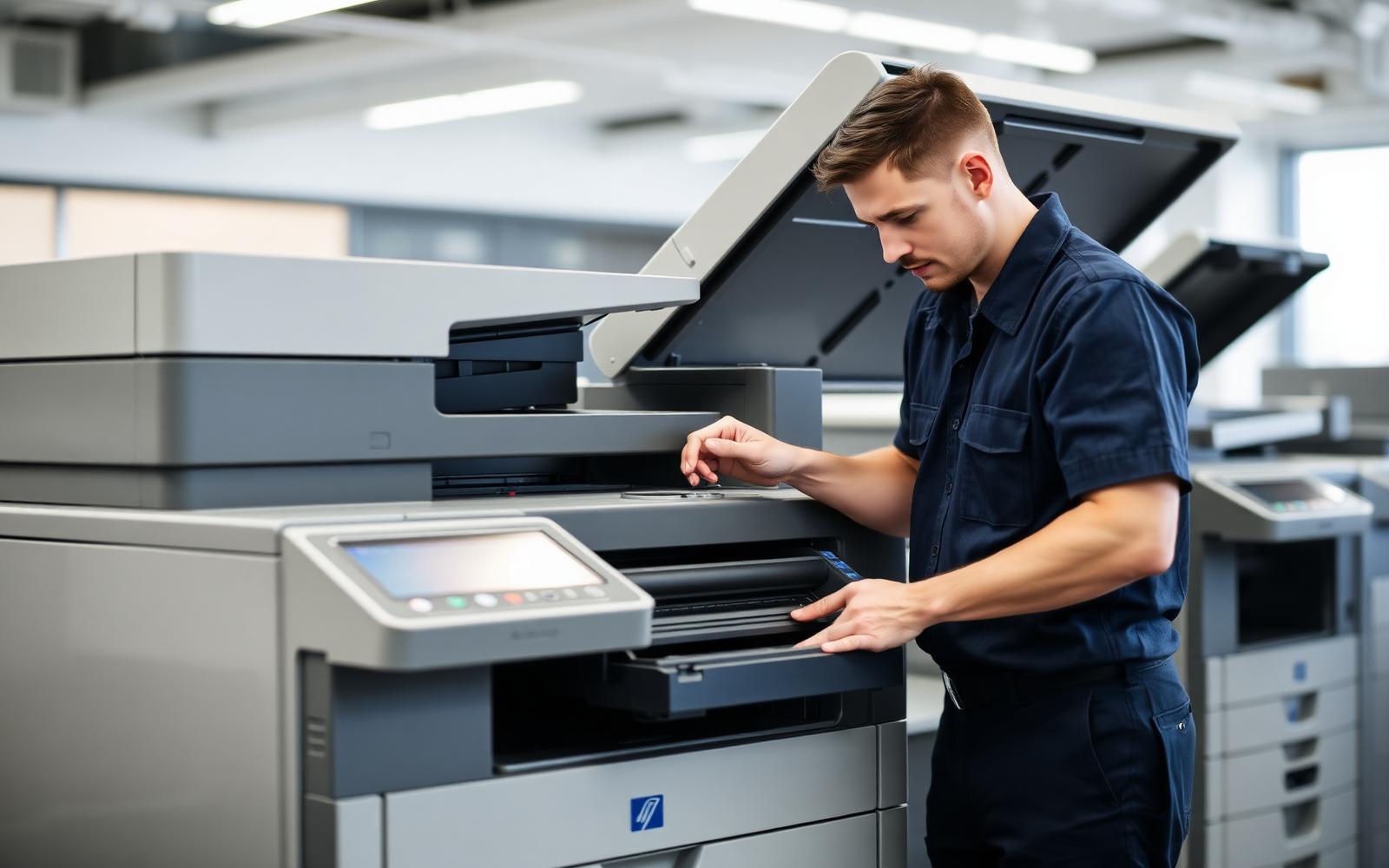
Copier Services for Colorado Businesses
From a single desktop MFP to a multi-floor fleet, we handle the repair, the parts and the network side.
Copier Repair
Emergency and scheduled copier repair for jams, error codes, streaking and hard failures.
Learn more →Preventive Maintenance Plans
Scheduled cleaning, calibration and part inspection that keeps output steady and downtime rare.
Learn more →Multifunction Printer Service
Repair and tuning for MFPs that copy, print, scan and fax on one platform.
Learn more →Toner and Supply Delivery
Genuine and premium-compatible toner, drums, staples and waste containers delivered locally.
Learn more →Network and Scanning Setup
Get copiers talking to your network, email, cloud folders and print queues again.
Learn more →Paper Jam and Feed Repair
Permanent fixes for chronic misfeeds, double-feeds and skewed pages.
Learn more →Print Quality Repair
Fix streaks, banding, ghosting, faded output and color drift.
Learn more →Copier Installation and Relocation
Safe delivery, leveling, network onboarding and staff orientation.
Learn more →Wide Format Plotter Service
Repair for engineering, architectural and signage plotters.
Learn more →Managed Service Contracts
Predictable cost-per-page coverage with labor, parts and toner included.
Learn more →
Why offices call us instead of the leasing company
Leasing companies dispatch whoever is available and bill whoever is contracted. We are independent, which means the technician who diagnoses your machine is the one who fixes it, and the invoice reflects the actual work performed.
- Real diagnostics. We identify the failed component instead of swapping assemblies until something works.
- Stocked vans. Fusers, roller kits, drums and common boards travel with the technician.
- Plain answers. If a machine is past economical repair, we say so before you spend money on it.
- Local accountability. Our shop is on East Costilla Avenue in Centennial, not a call center three states away.
Serving Centennial and the South Denver Metro
On-site copier repair across Arapahoe and Douglas counties.
What our customers say
Our Ricoh had been jamming for months and the leasing company kept sending someone to clear one sheet and leave. Austintero replaced the whole feed assembly in one visit and it has not jammed since.
Scan-to-email died the week our tenant moved to modern auth. They had it working in under an hour and sent me the exact SMTP settings in writing.
We switched to their maintenance plan after two emergency outages in one quarter. Two years later we have had zero unplanned downtime.
Copier care guides from our technicians
Understanding Common Copier Error Codes
Error codes look cryptic, but nearly every manufacturer groups them the same way: the first digits identify the subsystem and the rest identify the fault.
Read the guide →Why Your Copier Keeps Jamming
Chronic jamming is a wear problem or a paper problem, and the two are easy to tell apart once you know where the sheet stops.
Read the guide →A Practical Monthly Copier Maintenance Checklist
Ten minutes a month from an office manager prevents a large share of the emergency calls we take.
Read the guide →Diagnosing Print Quality Problems by Pattern
The shape and spacing of a defect tells you which rotating component is responsible.
Read the guide →Leasing Versus Buying a Copier in Colorado
The right answer depends on volume, cash position and how long your office intends to stay put.
Read the guide →Copier Security: The Hard Drive Nobody Thinks About
Most business copiers store scanned and printed images on an internal drive. That drive leaves the building when the machine does.
Read the guide →